From the Workshop
Articles, guides and answers to common questions about building the perfect audio PC.

Advanced Audio Optimisation: BIOS, Registry and Beyond
Your BIOS, the Windows Registry, and the way your sample drives are configured can all have a meaningful impact on audio performance. Here's how to go deeper—with plain-English explanations of what each tweak does and why it's safe.

Every Windows Setting You Should Change for Better Audio Performance
A fresh install of Windows comes with settings designed for general-purpose computing—not realtime audio. Here are the changes every composer and producer should make, with plain-English explanations of what each one does and why it's safe.

The Hidden DAW Killer: How Your GPU Might Be Wrecking Your Audio Performance
Your graphics card could be one of the single biggest culprits when it comes to poor audio performance. Here's why — and what you can do about it.

Is it true that Pro Tools doesn't support AMD?
Avid says AMD isn't approved for Pro Tools — but the technical reality tells a different story.

Better Performance, Fewer Headaches: Why AMD is the Best for Music Production
Why we exclusively use AMD Ryzen chips — and why Intel's hybrid architecture is a problem for audio.
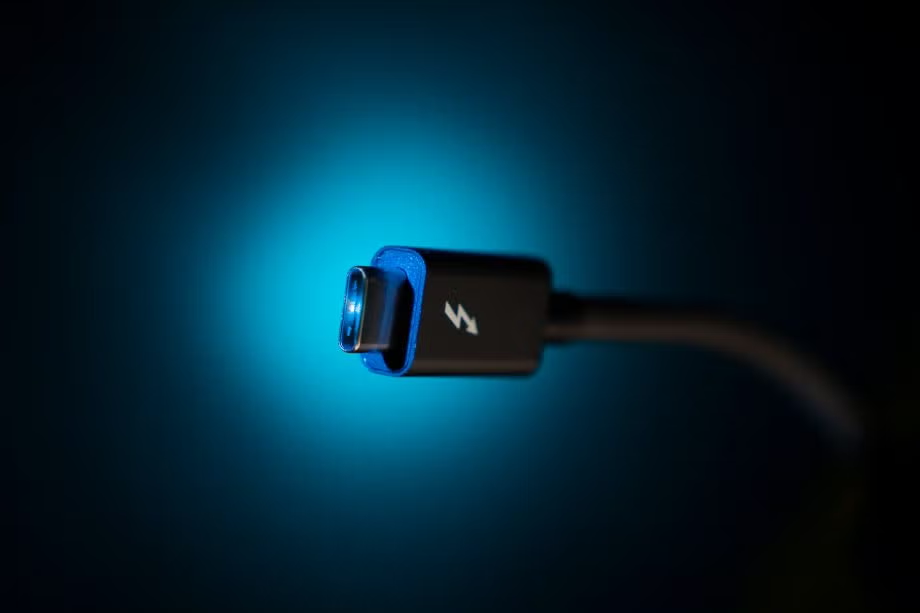
Will my Thunderbolt™ / FireWire Devices Work with an OPUS 101 Computer?
Thunderbolt and FireWire compatibility with OPUS 101 audio PCs — what works, what doesn't, and what to check.

How to Choose a Killer CPU for Audio Production
Clock speed vs. core count, IPC, hyperthreading — everything you need to know about picking the right processor for music production.

Why RAM is so important for your audio PC's performance
How your DAW uses memory, why sample libraries are so hungry, and what to look for when buying RAM for music production.

How to Choose Storage for Your Audio PC
NVMe, SSD, or HDD? What each does best and where to put your samples, projects, and system files.